Bringing back Podio's App Sidebar Widgets

I really miss the app sidebar widgets that Podio had until circa mid-2014. They allowed apps to look different. It was easier to get visual context, and you also got more information on the app overview.
One thing I miss the most on the app overview screen is my charts. I LOVE visual things.
With a recent update to the SuperMenu, it's now possible again.
For this example, I'll cover creating a new chart as well.
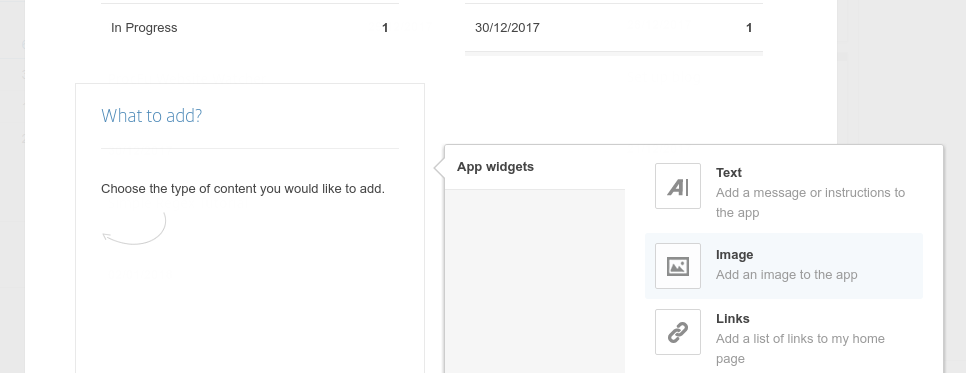
First, create a new image tile in the app's reports:
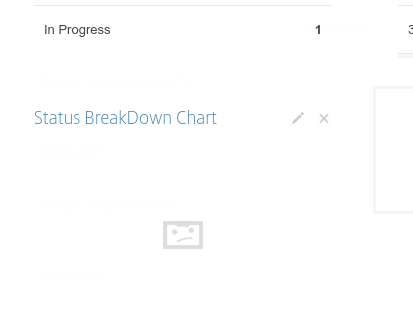
No need to actually upload an image:
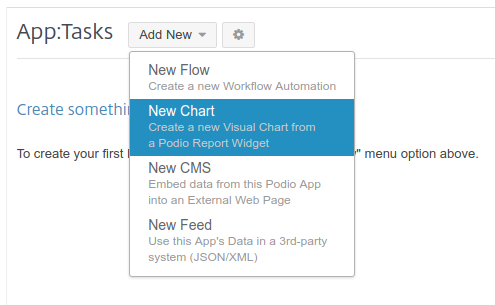
Then, in GlobiFlow, create a new chart in this app:
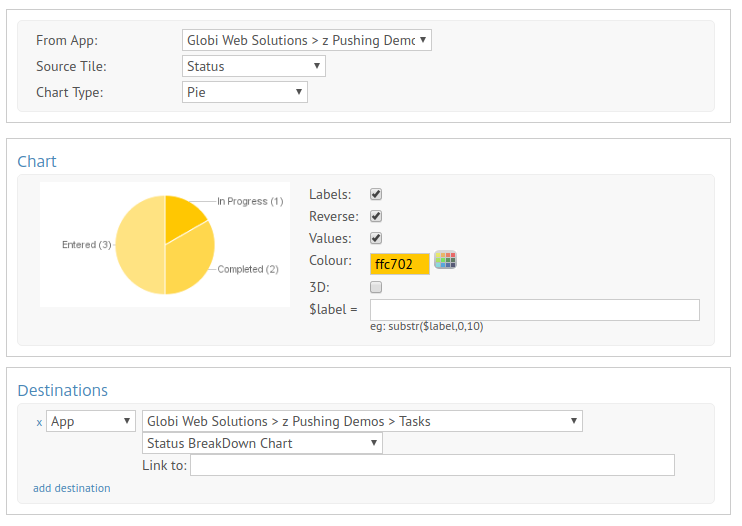
And configure it as you wish. Just make sure it's set to update the newly created image tile:
Next, go back to your Podio reports for the app, Where you'll see your new chart.
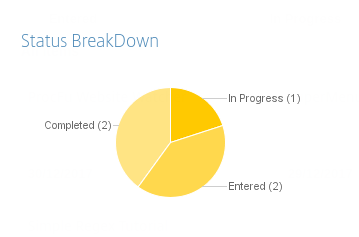
The title of the chart should match what you named the chart flow. Take note of the name (in this case "Status BreakDown".
Now, go into the app settings, and add the report in special markdown format [report:NAME]:
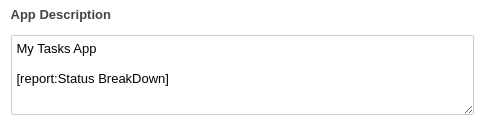
In this case, it's [report:Status BreakDown]
When you go back to the main app overview, you will now see the chart injected in the app sidebar above the views:
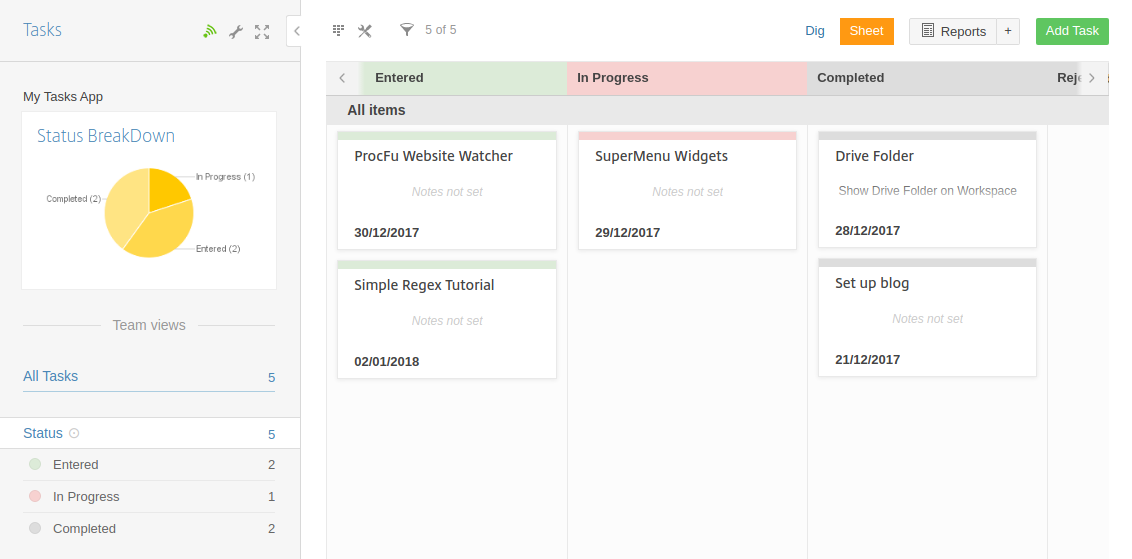
Note that you can add pretty much any widget from the reports section to the app sidebar.